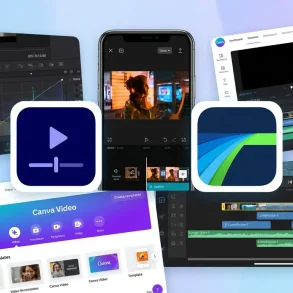
In the rapidly evolving landscape of social media, TikTok has transitioned from a niche lip-syncing platform into a global cultural engine. Specifically, it has become a primary search engine for Gen Z. With over a billion active users, the platform offers unprecedented organic reach; however, as the “Creator Economy” matures, the barrier to entry has shifted significantly. Consequently, it is no longer enough to simply record a video and post it. Indeed, the TikTok algorithm now prioritizes high retention rates, which are directly influenced by the quality of your post-production.
To compete with seasoned influencers, beginners must look beyond the basic recording button. Therefore, this guide provides an exhaustive deep dive into the best video editing tools and strategic workflows. Ultimately, these insights are designed to turn a novice into a proficient content creator who understands the nuances of visual storytelling.
The Strategic Advantage: Why External Editors Outperform the In-App Tool
While the native TikTok editor is a marvel of mobile engineering, it is designed primarily for speed. In contrast, professional-grade storytelling often requires more robust features. Furthermore, beginners often hit a “creative ceiling” when using only built-in options. To illustrate why you should migrate your workflow, consider the following advantages:
A. Non-Destructive Editing and Project Management
When you edit inside TikTok, your work is often tied to a single “Draft.” Unfortunately, this can be lost if the app glitches. Conversely, external tools allow you to save project files and create multiple versions. Moreover, you can revisit a video months later to repurpose it for other platforms, which is essential for cross-channel growth.
B. Frame-by-Frame Precision
The human attention span on TikTok is incredibly short. Consequently, you often need to trim “uhms” with surgical precision to maintain engagement. Because external editors provide a zoomable timeline, you can cut footage down to the individual frame. Therefore, your content feels much tighter than what is possible with a thumb on a small smartphone screen.
Top 10 Automated B-Roll Scrapers to Speed Up Your Documentary EditC. Advanced Audio Layering and Audio Syncing
Sound is 50% of the TikTok experience. Although the native editor limits track layering, external tools allow you to balance background music and voiceovers independently. Additionally, professional audio syncing ensures that your visual cuts hit exactly when the music drops, which subsequently boosts viewer satisfaction and “loopability.”
D. Bypassing the Watermark
Content created in TikTok’s editor is difficult to export without the bouncing watermark. By using third-party tools, you maintain a “clean” master file. As a result, this is essential if you plan to build a multi-platform presence on Reels or YouTube Shorts.
Technical Prerequisites: What Every Beginner Should Know
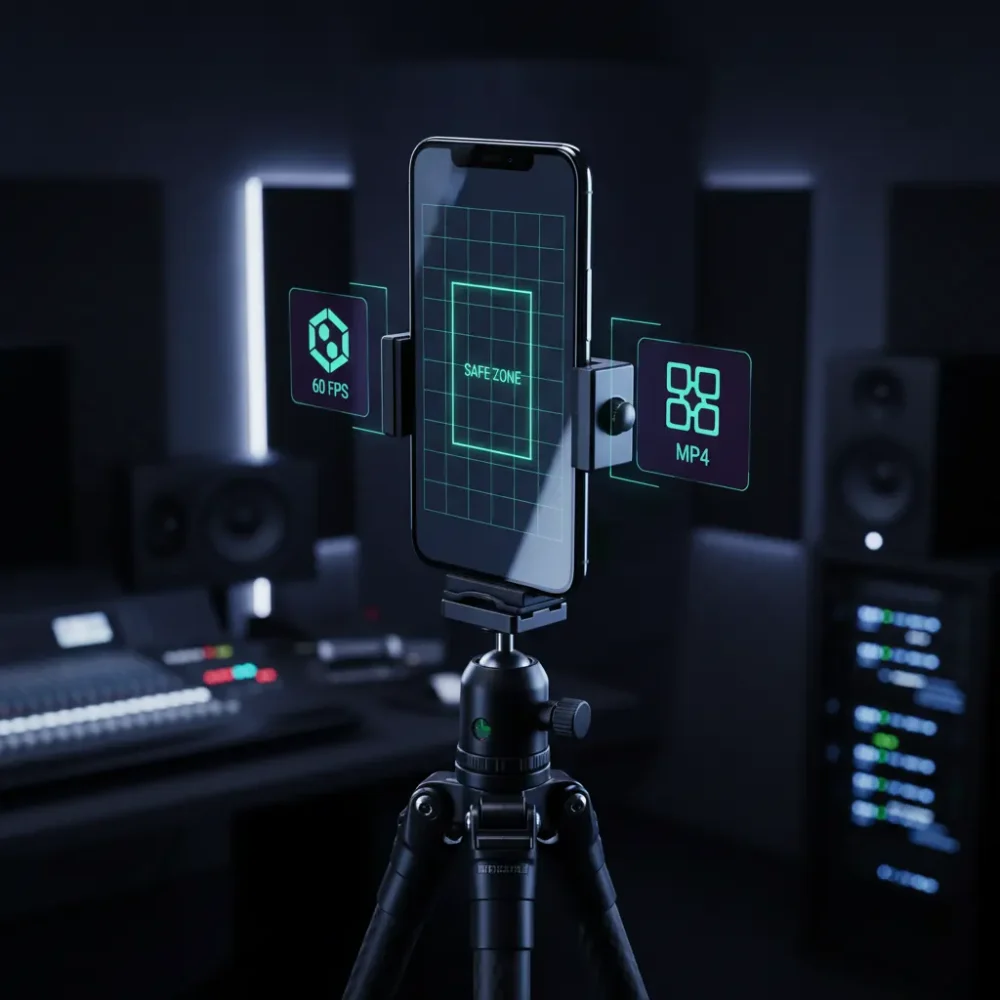
Before choosing a tool, you must understand the technical “Gold Standards.” Regardless of the software you choose, these settings are non-negotiable for pleasing the TikTok algorithm:
Best App to Make Photo Slideshows in 2026: The Ultimate AI & Spatial Video Guide- Aspect Ratio: Always use 9:16. Otherwise, your video will have distracting black bars.
- Frame Rate: 30 FPS or 60 FPS. Specifically, 60 FPS provides that “hyper-real” smooth look.
- The “Safe Zone”: Avoid placing text at the very top or bottom right. Instead, keep important visuals in the center to avoid being covered by UI elements.
- File Format: MP4 is generally the most compatible format. Thus, it ensures high quality during the upload process.
Top-Tier Editing Tools: A Comprehensive Breakdown
1. CapCut: The Uncontested King
Owned by ByteDance, CapCut is arguably the most powerful tool for beginners. Primarily, it offers a user-friendly interface that mimics professional software without the steep learning curve.
- Key Feature – Video Transitions: CapCut offers hundreds of seamless video transitions. In turn, these allow you to move between scenes effortlessly, keeping the viewer’s eyes glued to the screen.
- Key Feature – Green Screen Effect: Furthermore, the built-in green screen effect is remarkably accurate. Consequently, you can place yourself in any environment without needing a physical studio.
- The PC/Mac Version: Recently, CapCut released a desktop version. Therefore, creators who find mobile screens too cramped now have a powerful alternative for complex projects.
- Best For: Those who want to follow viral trends quickly.
2. InShot: The Speed Demon’s Choice
In contrast, InShot is the quintessential “on-the-go” editor. Specifically, it focuses on a streamlined workflow rather than complex AI effects.
- The Interface: It utilizes a very simple “Canvas” system. Consequently, it is ideal for those who want to edit a video in under five minutes.
- Stickers and Assets: In addition, InShot has an excellent library of animated stickers. Notably, these are perfect for “Vlog-style” content that requires a personal touch.
- Pros: Very low learning curve.
- Cons: However, the free version includes a watermark unless you watch an ad.
3. Canva: The Branding Powerhouse
Canva has evolved into a robust video editor. Significantly, it is the best choice for “Faceless” TikTok accounts.
25+ Best CapCut Alternatives in 2026: The Ultimate List of AI, Mobile, and Desktop Editors- Stock Library: Canva Pro gives you access to millions of stock videos. Therefore, you don’t even need to film your own footage to create a viral hit.
- Brand Kits: If you are a business owner, Canva allows you to save your specific fonts. Indeed, this ensures every TikTok you post looks consistent and professional.
4. Adobe Premiere Rush: The Gateway to Professionalism
Adobe Premiere Rush is the “light” version of industry-standard software. Nevertheless, it remains incredibly powerful for mobile-first creators.
- Cross-Platform Sync: You can start your edit on your phone and finish it on your laptop. Thus, your workflow becomes entirely mobile and flexible.
- Color Grading: Moreover, Rush offers superior color correction tools. In light of this, your videos will always look professionally shot, regardless of the lighting.
The “Viral Formula”: Editing Techniques for Success
Undoubtedly, having the best tool is like having a fast car; you still need to know how to drive. Therefore, follow these rules to maximize your reach:
- The 3-Second Hook: Your most visually arresting clip must happen immediately. To illustrate, use a bold text overlay to create instant curiosity.
- Visual Variety: Don’t just show a “talking head.” Instead, every 4 seconds, overlay a photo or use one of your video transitions. Significantly, this resets the viewer’s attention span.
- Perfect Audio Syncing: Ensure that your transitions align with the beat of the song. As a result, the TikTok algorithm tends to favor videos that feel “rhythmic” and polished.
- The Green Screen Effect: Use this to react to other videos or news articles. By doing so, you provide context while keeping yourself on camera, which builds a personal connection.
Conclusion: Which Tool Should You Download First?
Ultimately, the “best” tool depends entirely on your specific goals. If you want the most features, download CapCut immediately. To clarify, its combination of a user-friendly interface, advanced audio syncing, and the green screen effect makes it unbeatable for the average user.
Enterprise AI Video Localization Platforms 2026: The Ultimate GuideIn contrast, if you are a business owner, Canva is likely your best bet for maintaining brand consistency. Meanwhile, aspiring filmmakers should look toward Adobe Premiere Rush.
Regardless of your choice, remember that editing is a skill that improves with volume. Therefore, don’t aim for perfection on your first try. Instead, commit to posting consistently. Soon, these tools will become an extension of your creative voice. In the end, the “For You Page” is waiting to start creating today.