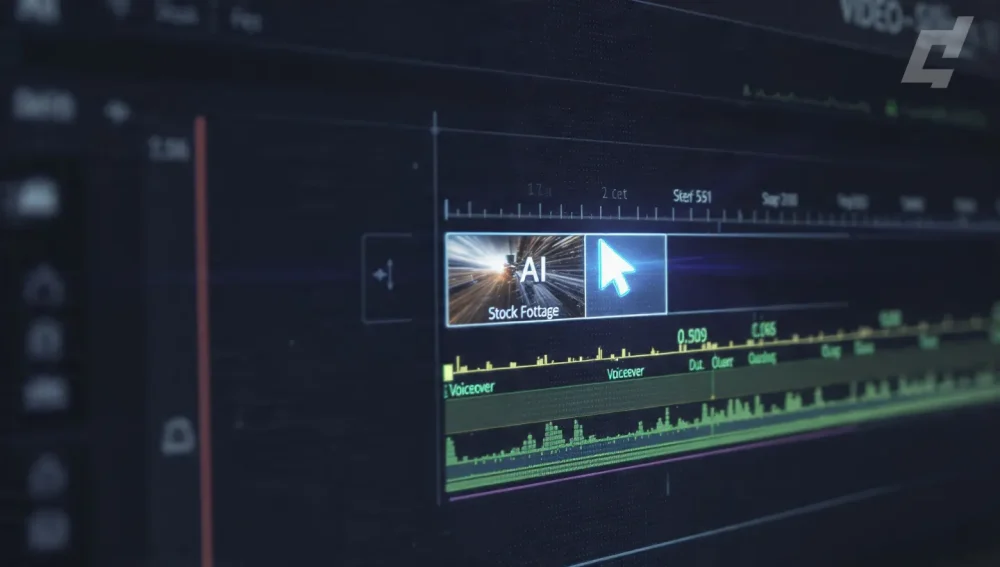
What is an Automated B-Roll Scraper? An automated B-roll scraper is a software tool or plugin that uses Artificial Intelligence (AI) to analyze your video’s spoken audio (transcript) or visual content and automatically searches, downloads, and places relevant stock footage or archival clips into your timeline. For documentary filmmakers, these tools replace the tedious manual process of “hunting” for assets, allowing editors to focus on narrative structure rather than metadata searching.
Documentary editing is a war of attrition. You are fighting against hundreds of hours of footage, tight deadlines, and the dreaded “viewer fatigue.” The most time-consuming battle? Finding the perfect B-roll to cover that 30-second narration gap about “the rising cost of coffee beans in 1980s Colombia.”
In 2026, you no longer need to manually scrub through stock libraries for hours. AI-powered B-roll scrapers and plugins have evolved from gimmicky toys into essential workflow accelerators. Whether you are cutting a feature-length film in DaVinci Resolve or a quick explainer series in Premiere Pro, there is a tool that can “scrape” the best footage for you instantly.
Below is the ultimate guide to the top 10 automated B-roll tools that will save you days of editing time.
Quick Comparison: Top B-Roll Automation Tools
| Tool | Best For | Integration | Starting Price |
|---|---|---|---|
| 1. AutoCut | Overall Best (Premiere/Resolve) | Plugin | ~$15/mo |
| 2. Storyblocks Plugin | Pro Quality Assets | Plugin (Adobe) | Included with Sub |
| 3. HeyEddie.ai | Assistant Editor Tasks | Web / App | Free / $21/mo |
| 4. Opus Clip | Repurposing for Social Docs | Web-Based | Free / $9/mo |
| 5. Wondershare Filmora | Prosumer All-in-One | Standalone App | ~$50/year |
| 6. Pictory | Text-to-Video Explainers | Web-Based | $19/mo |
| 7. Riverside | Podcast Visualizers | Web-Based | $15/mo |
| 8. Envato Elements | Asset Variety (Graphics/Audio) | Extension | $16.50/mo |
| 9. Submagic | Short-Form B-Roll | Web-Based | $20/mo |
| 10. Wisecut | Budget Automated Cuts | Web-Based | Free / $10/mo |
1. AutoCut (AutoB-Rolls)
Best For: Professional editors using Premiere Pro or DaVinci Resolve who want a seamless workflow.
Best App to Make Photo Slideshows in 2026: The Ultimate AI & Spatial Video GuideAutoCut has quickly become the industry standard for “in-timeline” automation. It started as a silence remover but has evolved into a powerhouse with its AutoB-Rolls feature. It analyzes your transcript and automatically scrapes footage from connected libraries (like Pexels or Storyblocks) to fill the gaps.
Key Features
- Contextual Matching: AI reads your captions to find relevant clips (e.g., hears “city traffic,” finds city traffic).
- NLE Integration: It lives inside Premiere Pro and DaVinci Resolve as a dockable panel. No exporting/importing XMLs.
- Custom Prompts: You can guide the AI with specific keywords (e.g., “Cinematic, dark, 4k”).
Pros:
- Saves massive time by working directly in your main software.
- Connects to high-quality libraries.
- Also handles silence removal and auto-captions.
Cons:
Is Apple Creator Studio Making Art Better, or Just Faster?- Subscription-based (monthly cost adds up).
- Requires a stable internet connection for the scraping to work.
2. Storyblocks Plugin for Adobe
Best For: Filmmakers who need commercial-clearance safety and high-resolution assets (4K/ProRes).
While not a “one-click edit” tool like AutoCut, the Storyblocks plugin acts as the ultimate manual scraper. Instead of leaving Premiere to browse a website, download a zip, extract it, and import it, you use the panel to search and drag continuously. For documentaries requiring strict copyright adherence, this is safer than random AI scrapers.
Key Features
- Unlimited Downloads: If you have the subscription, you can scrape as much as you need.
- Project Bin Sync: Downloaded files go straight into your project bin, organized.
- Similar Results: The “More Like This” feature helps you build consistent visual themes.
Pros:
Best Auto Subtitle Generators for YouTube Creators: 10 Proven Tools for 2025- Industry-standard legal indemnification.
- High-quality 4K and ProRes files available.
- Seamless Adobe integration.
Cons:
- No “Auto-Place” feature; you still have to drag the clips yourself.
- Plugin performance can sometimes lag on slower machines.
3. HeyEddie.ai
Best For: Long-form documentary logging, rough cuts, and A/B-roll organization.
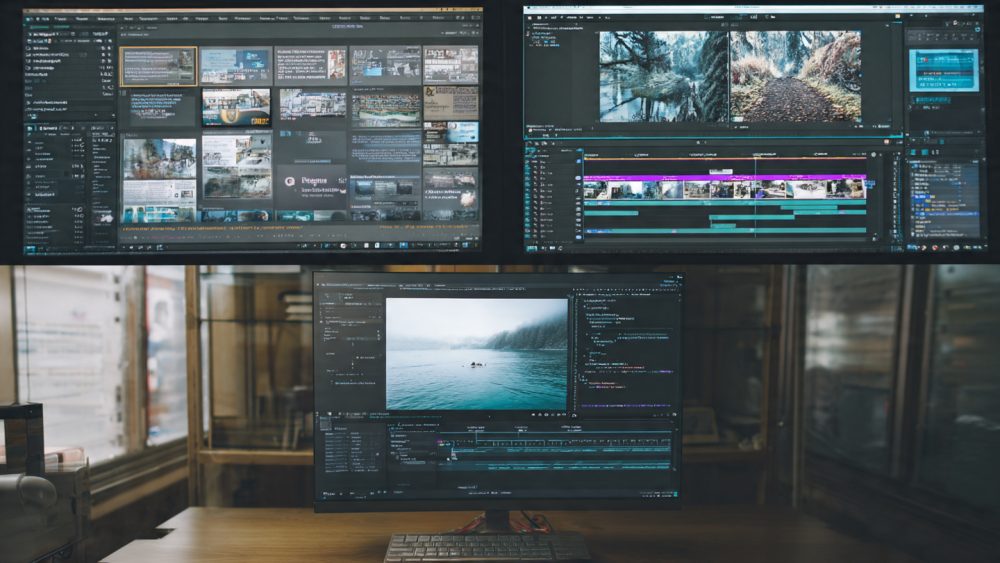
HeyEddie is marketed as an “AI Assistant Editor.” It doesn’t just scrape B-roll; it organizes your existing footage. If you have 50 hours of interviews, Eddie can “watch” them, log the B-roll moments you shot, and organize them into bins. It can also suggest B-roll based on the script.
25+ Best CapCut Alternatives in 2026: The Ultimate List of AI, Mobile, and Desktop EditorsKey Features
- A/B Roll Logging: Automatically distinguishes between talking heads and cutaway shots in your raw footage.
- Rough Cut Generation: Can assemble a story based on a text prompt using your footage.
- NLE Export: Exports directly to Premiere, Resolve, and FCPX.
Pros:
- Solves the “logging” nightmare for doc filmmakers.
- Acts like a human assistant editor.
- Learns your style over time.
Cons:
- Newer tool, so some features are still in beta/refining.
- Pricing is higher for the “Pro” tiers needed for long projects.
4. Opus Clip
Best For: Turning long documentary interviews into viral social clips with auto-B-roll.
If your documentary marketing strategy involves TikTok or Reels, Opus Clip is essential. It takes a long video (e.g., a 1-hour interview), finds the “viral” hooks, cuts them into vertical format, and scrapes B-roll to cover the edits or emphasize points.
Key Features
- Virality Score: Rates clips based on their potential to perform well.
- Auto B-Roll: Inserts stock footage automatically to keep retention high.
- Face Tracking: Keeps the speaker centered in vertical mode.
Pros:
- Incredibly fast for social media output.
- The B-roll selection is surprisingly context-aware.
Cons:
- Stock footage quality is often generic/low-res (1080p max usually).
- Not suitable for the actual documentary edit, just the marketing.
5. Wondershare Filmora (AI Features)
Best For: Prosumers or solo filmmakers who want an all-in-one editor with built-in stock scraping.
Filmora has aggressively integrated AI. Its “Smart B-Roll” feature allows you to highlight a section of text in the transcript, and it will search its internal stock library (often powered by partners like Unsplash/Giphy/Pixabay) to overlay footage.
Key Features
- Smart B-Roll: Text-based video editing that scrapes assets.
- AI Copilot: An assistant that helps you find features or assets.
- Built-in Library: Access to millions of assets without leaving the app.
Pros:
- One-time payment or lower subscription cost than Adobe.
- Very user-friendly for beginners.
Cons:
- “Pro” features like advanced keyframing are limited compared to Resolve/Premiere.
- Stock assets can vary in quality (mix of free and premium).

6. Pictory
Best For: Explainer-style documentaries or “Video Essays” where the narrative is driven by voiceover.
Pictory is a web-based platform that excels at “Text-to-Video.” You upload your documentary script, and its AI scrapes multiple stock libraries (Getty, Storyblocks) to build a visual timeline that matches your words sentence-by-sentence.
Key Features
- Script-to-Video: Automatically builds a timeline from text.
- Visual Search: Uses advanced NLP (Natural Language Processing) to find literal and metaphorical matches.
- Getty Images Integration: Access to high-tier editorial footage (on higher plans).
Pros:
- Fastest way to visualize a script from scratch.
- Great for historical or educational documentaries relying on archival/stock.
Cons:
- Web-based editor is clunky for fine-tuning cuts.
- Can feel “robotic” if you don’t manually swap out some clips.
7. Riverside
Best For: Interview-based documentaries and podcasts.
Riverside is primarily a recording tool, but its new “Magic Clips” and AI video features allow you to type a prompt, and it will generate or scrape B-roll to cover edits in a talking-head video. It’s perfect for the “interview” layer of your doc.
Key Features
- High-Quality Recording: Records local 4K video of your interview subjects.
- AI B-Roll Generator: Adds visuals to spice up the talking heads.
- Text-Based Editing: Edit the interview by deleting text.
Pros:
- Ensures the A-roll (interview) is pristine quality.
- Seamless transition from recording to rough edit.
Cons:
- Limited B-roll library compared to dedicated stock sites.
- Editing features are basic compared to an NLE.
8. Envato Elements (Extension)
Best For: Broad asset requirements—music, SFX, templates, and video.
Envato isn’t an “automated scraper” in the AI sense, but its extension and sheer volume of assets make it a “manual scraper’s paradise.” For a low monthly fee, you get unlimited downloads of everything—not just video, but the After Effects templates you need for your doc’s lower thirds and maps.
Key Features
- All-Asset Access: Video, Music, SFX, Fonts, Templates.
- Simple Licensing: One license for everything.
- Browser Extension: Makes finding assets faster.
Pros:
- Best value for money ($16.50/mo).
- Great for “mixed media” documentaries.
Cons:
- No AI auto-placement.
- Video quality varies (lots of generic corporate footage).
9. Submagic
Best For: Adding B-roll to vertical “Teaser” content for your documentary.
Submagic focuses on captions, but its “Magic B-Roll” feature is surprisingly good. It analyzes the mood and keywords of your short clip and inserts transitions and stock footage to keep the pace high.
Key Features
- Trendy Visuals: Scrapes for GIFs and “hooky” visuals, not just cinematic stock.
- Auto-Zoom/Cut: Adds dynamic movement to static images.
Pros:
- Perfect for TikTok/Reels marketing of your doc.
- Very fast rendering.
Cons:
- Not for long-form horizontal content.
- Watermarked on free plans.
10. Wisecut
Best For: Budget filmmakers needing automated jump-cuts and basic B-roll.
Wisecut is an automated video editor that “listens” to your video, removes silence, creates jump cuts, and can automatically add background music and B-roll. It’s less “pro” than AutoCut but great for rough cuts or YouTube-style mini-docs.
Key Features
- Voice-Activated Editing: Edits based on audio levels.
- Auto-Duck: Lowers music volume when you speak.
- Smart B-Roll: Matches visuals to spoken words.
Pros:
- Free tier available.
- Good for quick “talking head” style edits.
Cons:
- Limited control over specific cut points.
- B-roll selection can be hit-or-miss.
The “Scraper” vs. “Generator” vs. “API” Distinction
When choosing a tool, it is critical to understand the source of the footage:
- Scrapers (API Connectors): Tools like AutoCut and Pictory connect to legitimate stock libraries (Storyblocks, Pexels, Getty) via API. They “scrape” these databases to find real footage filmed by humans. This is the safest option for documentaries due to clear copyright.
- Generators (Generative AI): Tools like Sora or Runway Gen-2 create new footage from scratch pixels. While exciting, they often hallucinate details (e.g., a car with 5 wheels) and are risky for “factual” documentaries.
- Organizers: Tools like HeyEddie scrape your own footage. They are best for finding that one shot of a “blue car” you filmed 3 weeks ago but forgot to log.
For a serious documentary, Type 1 (Scrapers) and Type 3 (Organizers) are your best friends. Avoid Generative AI for factual evidence unless you clearly label it as a simulation.
Comprehensive FAQ
Yes, but with caution. You must ensure the tool you use connects to a library with commercial clearance (like Storyblocks or Getty). Free scrapers that pull from Pexels or Unsplash often have “model release” issues that legal teams at Netflix will reject. Always check the licensing terms of the source library, not just the AI tool.
No. AI B-roll scrapers are “Assistant Editors.” They are great at finding a clip of a “sunset” or “crowded street,” but they cannot understand pacing, emotional subtext, or irony. A human is needed to decide if that shot actually serves the story.
AutoCut is currently the best plugin implementation for DaVinci Resolve. HeyEddie is also excellent for the pre-edit phase (logging) and can export XMLs to Resolve.
Most of these tools (AutoCut, Storyblocks) download assets to your local drive. If you are scraping 4K footage, you will need significant space (1-2TB external SSDs are recommended). Web-based tools like Pictory host the video on the cloud until you export, saving local space.
A-Roll is your primary footage, usually the interview or the main subject talking. B-Roll is the supplemental footage used to visually support the A-Roll, hide cuts, or provide context. Automated scrapers focus entirely on finding this secondary footage.