In 2026, the humble MP3 converter has evolved. It is no longer just about changing file extensions; it is about intelligent audio transformation. With the rise of spatial audio, AI-driven noise cancellation, and the “Privacy-First” web movement, the software you choose today does more than just convert—it cleans, tags, and optimizes your sound for the modern era.
Whether you are a podcaster needing to batch-process 50 episodes, a musician archiving lossless FLACs, or just someone trying to get a YouTube lecture onto your neural-link compatible earbuds, this guide covers the absolute best freeware MP3 converters available right now.
The 2026 Landscape: What Changed?
- AI Metadata Tagging: New tools automatically identify songs and podcasts, filling in cover art and lyrics without manual input.
- Privacy Protocols: With data scrapping at an all-time high, the best 2026 converters process files locally or use “Zero-Knowledge” cloud encryption.
- Smart Compression: AI codecs can now compress MP3s to 128kbps that sound indistinguishable from 320kbps files of 2024.
1. WaveSpeed AI (Best Overall for 2026)
Platform: Web / PWA (Progressive Web App)
Best For: Instant, privacy-focused conversion with AI enhancement.
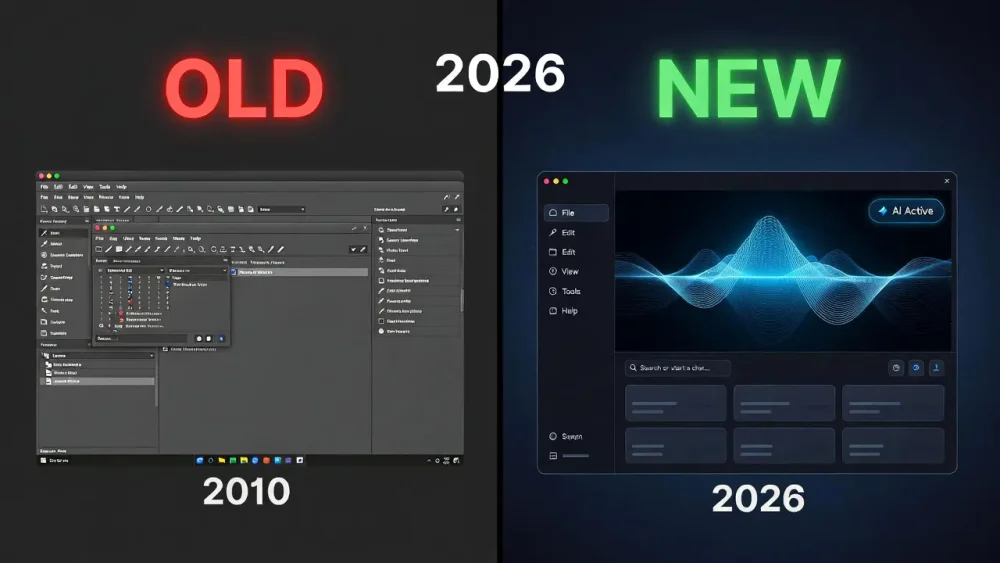
WaveSpeed has taken the 2026 audio world by storm. Unlike the ad-riddled online converters of the past, WaveSpeed operates as a local-browser hybrid. It uses WebAssembly to process files on your device without ever uploading them to a server, ensuring 100% privacy while utilizing the speed of your local GPU.
Beyond the Screen: 7 Best Tools for Volumetric Video Editing in 2026Key Features
- Neural Bitrate Optimization: Analyzes the audio spectrum and allocates bitrate only where needed, reducing file size by 40% without audible quality loss.
- Zero-Upload Privacy: Files never leave your computer.
- Spatial Audio Metadata: Preserves Dolby Atmos and generic spatial tags for 3D audio playback.
| Feature | WaveSpeed AI | Traditional Online Converters |
|---|---|---|
| Privacy | 100% Local (No Upload) | Files Uploaded to Server |
| Speed | Instant (Zero Latency) | Dependent on Upload Speed |
| Ads | None (Donationware) | Heavy Ad Tracking |
| AI Cleaning | Yes (De-noise built-in) | No |
Verdict: If you’re looking for a fast and easy way to convert stuff without having to download any big software, WaveSpeed is definitely the top pick for 2026.
2. Audacity 4.0 (Best for Power Users)
Platform: Windows, macOS, Linux
Best For: Editing, converting, and mastering in one workflow.
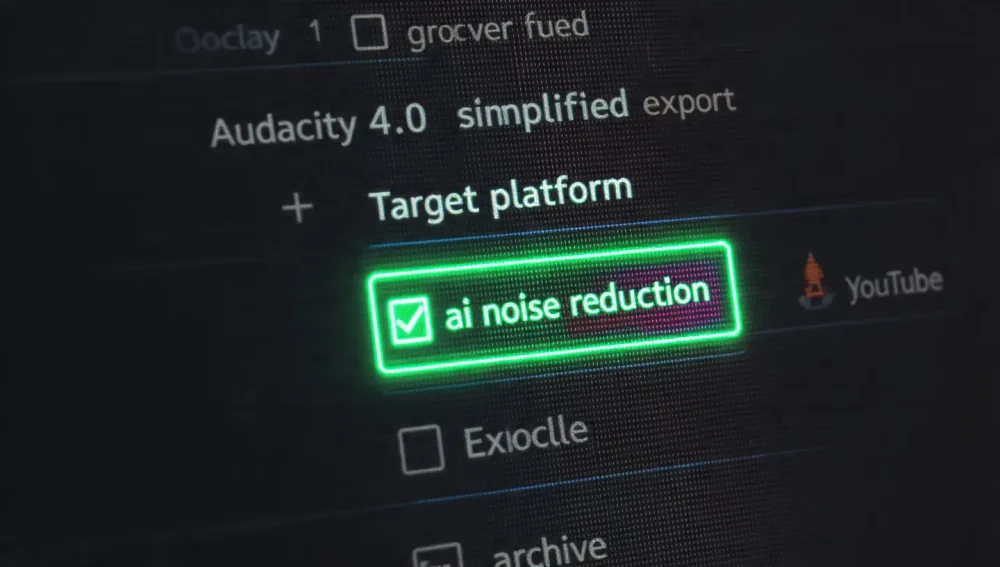
The open-source legend continues to dominate. By 2026, Audacity has finally overhauled its interface. Version 4.0 brings a non-destructive workflow and “One-Click Export” macros that make it the most powerful free converter for users who need to tweak their audio before converting.
OpenUSD Collaboration Tools for Remote Video Teams: The 2026 Ultimate GuideWhy It Wins in 2026
- Macro Processing: Set up a chain that normalizes volume, removes silence, and converts to MP3 in a single click.
- Plugin Ecosystem: Now supports VST4 AI plugins directly for voice isolation during conversion.
- Format Support: Reads and writes every format known to man, including the new Opus-XL and proprietary gaming audio formats.
Pro Tip: Use the new “Loudness Normalization” feature during conversion to ensure your MP3s meet Spotify and Apple Podcast -14 LUFS standards automatically.
3. MediaHuman Audio Converter (Best for Batch Processing)
Platform: Windows, macOS
Best For: Converting huge music libraries.
When you have 5,000 FLAC files that need to fit on a portable drive, MediaHuman remains the king of stability. In 2026, it added “Smart Core Allocation,” allowing it to utilize the Neural Engine in modern laptops to convert hundreds of files simultaneously without freezing your system.
Best App to Make Photo Slideshows in 2026: The Ultimate AI & Spatial Video Guide- Retains Folder Structure: Essential for keeping artist/album directories intact.
- Automatic iTunes/Music App Export: Converts and immediately pushes files to your cloud library.
- CUE Sheet Support: perfect for splitting long DJ sets into individual MP3 tracks.
4. Freemake Audio Converter (Legacy Favorite)
Platform: Windows
Best For: Simple, no-nonsense usage for beginners.
Freemake has survived the test of time by remaining incredibly simple. While it lacks the AI bells and whistles of WaveSpeed, it is the most reliable tool for older hardware.
- Warning: In 2026, ensure you download the “Lite” version to avoid bundled software offers.
- Video to MP3: Still the best tool for dragging a 4K video file and extracting just the audio track in seconds.
5. VLC Media Player (The “I Already Have It” Option)
Platform: All Platforms
Best For: Occasional, one-off conversions.
Most people don’t realize VLC has a built-in converter. It’s clunky, but it works.
- Go to Media > Convert / Save.
- Add your file.
- Choose Audio – MP3 from the profile dropdown.
2026 Update: VLC’s “Nightly” builds now support hardware-accelerated transcoding, making this process 3x faster than in previous years.
Future Trends: What to Look for in Late 2026
As we move deeper into the decade, “Generative Audio Filling” is the next frontier. Upcoming updates to tools like Audacity are rumored to include features that can “repair” clipped audio or fill in micro-dropouts using generative AI, effectively healing damaged MP3s during the conversion process.
Furthermore, Semantic Audio Search will allow converters to tag files not just by Artist/Title, but by mood (“Upbeat”, “Melancholic”) and instrument (“Saxophone”, “808 Bass”) automatically.
Comprehensive FAQ (2026 Edition)
The standard has shifted. Use Mono 96kbps (VBR) for speech-only podcasts to minimize file size for mobile streaming, or Stereo 192kbps if your show includes complex music or sound design.
All the tools listed in this guide (WaveSpeed, Audacity, MediaHuman) are verified freeware with no watermarks or time limits on audio length. Always download from the official developer site, not third-party aggregators.
Avoid “stream-ripping” sites filled with pop-ups. The safest method is using a desktop tool like 4K Video Downloader+ or MediaHuman, which have maintained clean reputations for over a decade.
Yes, to an extent. Tools like WaveSpeed AI use “upscaling” algorithms to restore high-frequency data lost in low-quality recordings. It’s not magic, but it can make a muddy 2005 voice memo sound crisp and modern.
Absolutely. While high-res formats like FLAC and ALAC exist, MP3 remains the universal standard for compatibility with car stereos, smart home hubs, and web sharing. The new LAME 4.1 codec used in 2026 tools makes 192kbps MP3s sound virtually lossless.