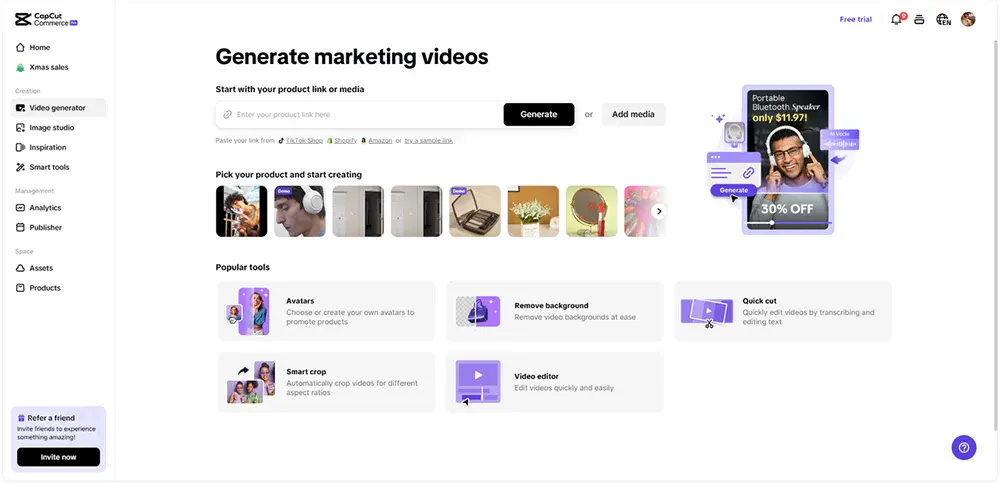
Video editing is no longer just for professionals—anyone creating content today needs to know the basics of cutting and refining footage. But when it comes to splitting and trimming, many beginners assume they’re the same thing. While both involve modifying a video’s length, they serve entirely different purposes. Whether you’re looking to break a long video into multiple clips or clean up unnecessary parts, knowing which tool to use can make your editing process smoother. In this guide, we’ll break down the key differences between a video splitter and a trimmer and help you decide which one fits your needs. If you’re looking for an easy way to edit videos, CapCut Commerce Pro is a great place to start.
What Is a Video Splitter?
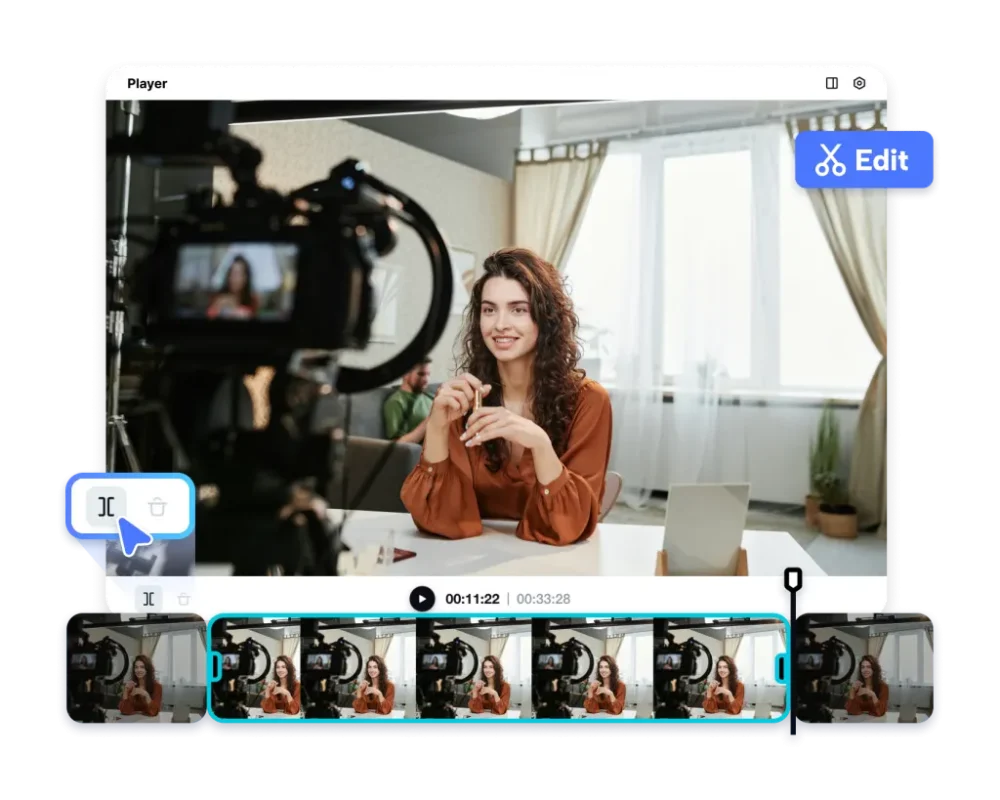
A video splitter allows you to divide a long video into multiple separate clips without altering the content of each segment. Instead of removing parts of the footage, it simply breaks it down into smaller sections. This tool is especially useful for creators who need to repurpose content or make their videos more digestible.
Common Uses of a Video Splitter:
- Creating short, engaging content: Platforms like Instagram Reels, TikTok, and YouTube Shorts thrive on short-form content. Splitting a long video into multiple bite-sized clips ensures better engagement and retention.
- Repurposing content for multiple platforms: A single long-form video can be split into various segments optimized for different social media channels. What works for a YouTube vlog might need to be adapted for Instagram Stories or LinkedIn.
- Segmenting tutorials and educational content: If you’re creating an online course, breaking long lectures into smaller clips can improve viewer comprehension. The same applies to vlogs, interviews, or event recordings, where separate clips make it easier for audiences to navigate content.
If you’re looking for a video splitter that makes this process effortless, AI-powered tools like CapCut Commerce Pro can help automate splitting while maintaining high video quality.
What Is a Video Trimmer?
A video trimmer, on the other hand, focuses on removing unwanted parts of a single video. Instead of splitting the footage into multiple clips, trimming helps refine a video by shortening it and eliminating unnecessary elements.
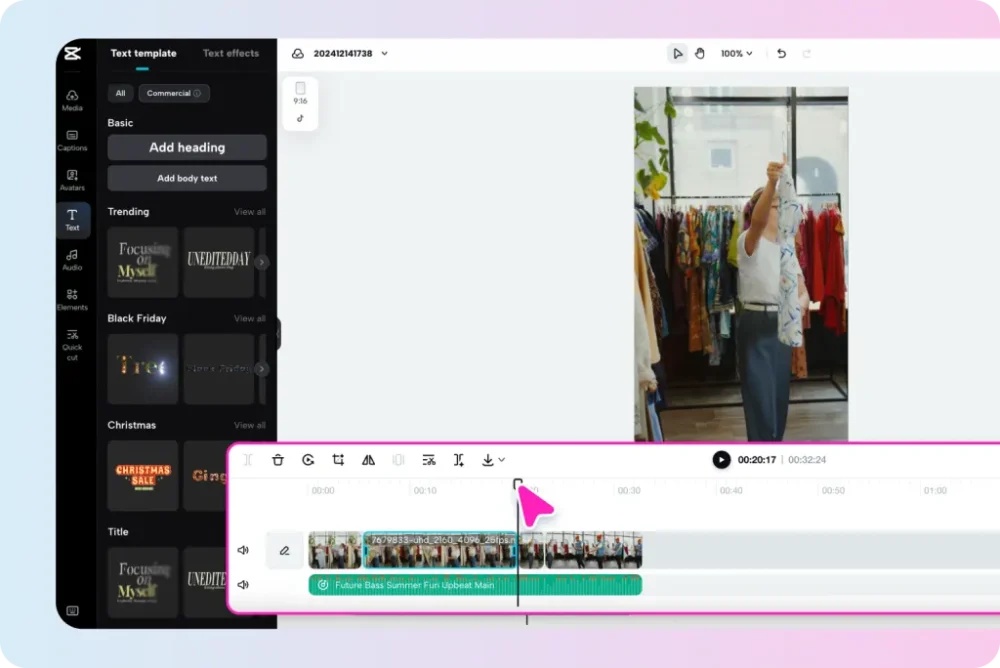
Common Uses of a Video Trimmer:
- Cutting out mistakes and pauses: If you’ve recorded a vlog or an instructional video, chances are there will be pauses, filler words, or errors. Trimming helps remove these distractions for a more polished final product.
- Cleaning up raw footage: Whether you’re working on a marketing ad or a personal video, trimming allows you to remove excess footage and keep only what’s necessary.
- Shortening videos for platform-specific time limits: Some social media platforms have strict time restrictions—TikTok videos, for example, work best under 60 seconds, while Instagram Stories are capped at 15 seconds per slide. Trimming helps keep your videos within these limits without sacrificing content quality.
Key Differences at a Glance
Understanding the distinctions between a video splitter and a video trimmer can help you use the right tool for your specific needs. Here’s a quick breakdown:
How to Choose the Best Web Hosting for Your Blog- Purpose:
- A video splitter breaks a long video into multiple smaller clips without removing content.
- A video trimmer shortens a single video by removing unnecessary parts.
- Use Case:
- A video splitter is ideal for content repurposing, social media, and segmenting tutorials.
- A video trimmer is useful for refining a video by cutting out mistakes or dead space.
- Best For:
- Video splitters are great for creating social media snippets, ads, and highlight reels.
- Video trimmers are perfect for vloggers, marketers, and professionals who need to refine long-form content.
Which One Should You Use?
Now that you understand the differences between a video splitter and a video trimmer, the next step is deciding which tool is best suited for your specific content needs. Both tools play a crucial role in video editing, but their applications vary depending on the type of content you create and your platform requirements.
For Content Creators: Maximizing Reach and Engagement
If you’re a content creator, especially on platforms like YouTube Shorts, Instagram Reels, and TikTok, a video splitter is an essential tool in your editing process. Short-form videos dominate social media, and breaking a single long video into multiple engaging snippets allows you to maximize your content reach. Instead of creating entirely new videos from scratch, a splitter helps you repurpose existing content into bite-sized clips that cater to different audiences.
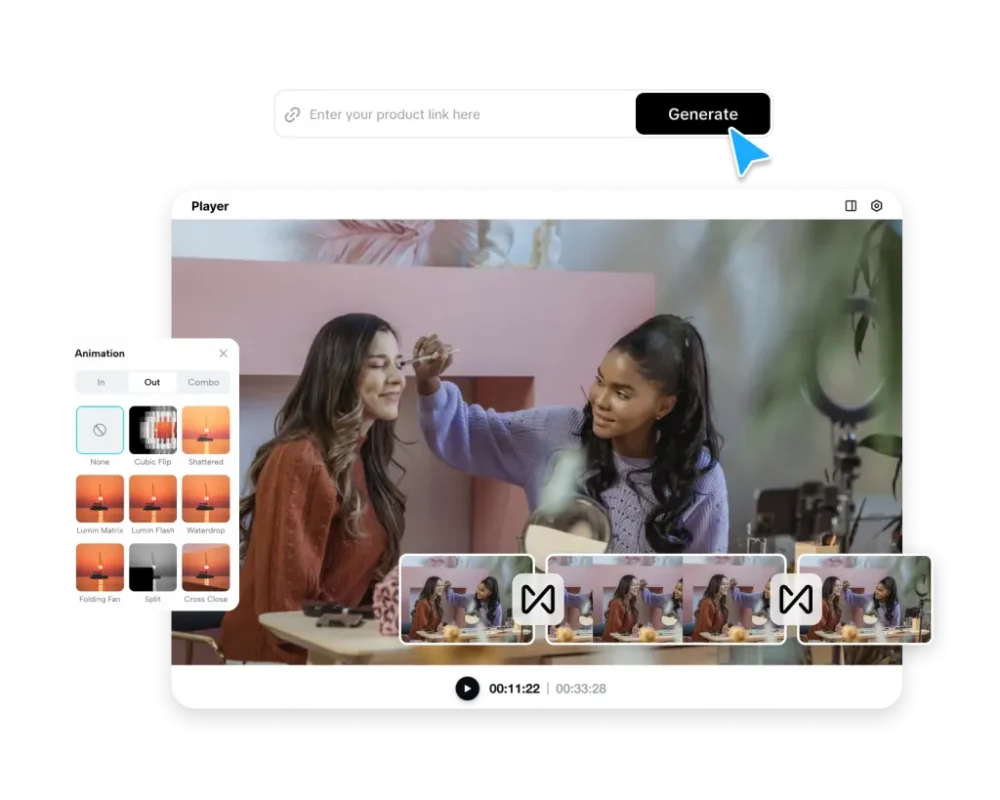
For example:
Tips for Developing a Comprehensive Account Planning Strategy- A long vlog can be split into engaging highlight clips to drive traffic back to the full video.
- A podcast interview can be broken into several key moments to share across multiple social platforms.
- A tutorial or educational video can be segmented into separate lessons, making it easier for viewers to follow along.
By leveraging a video splitter, creators can increase their video output without constantly filming new material, allowing them to stay consistent and keep their audience engaged.
For Professionals: Refining Content for a Polished Look
If you’re editing marketing videos, corporate presentations, training materials, or interviews, a video trimmer is often the better choice. Professional videos require precision, and trimming helps remove unnecessary content while ensuring the final product is clear, concise, and engaging.
For example:
08 Logo Design Mistakes Should Avoid- Marketers need to trim product demo videos to keep them short and impactful while retaining essential messaging.
- Corporate trainers often cut out mistakes, pauses, or irrelevant sections from instructional videos to ensure employees receive a streamlined learning experience.
- Interviewers and podcasters use trimming to eliminate filler words, awkward silences, and off-topic discussions, keeping conversations engaging and to the point.
Trimming is particularly valuable when time constraints matter. If you need a 30-second promotional clip or a precise training module, a video trimmer ensures that your audience gets the most relevant and engaging version of your content.
Using Both Tools for a Comprehensive Editing Approach
In many cases, the best approach isn’t choosing between a video splitter or a trimmer—it’s using both tools together to create high-quality, optimized content.
Here’s how you can combine both:
What You Need to Know for a Career in Cyber Security- Trim First – Start by trimming out any unnecessary sections, pauses, or mistakes from your raw footage. This step ensures that your content is polished and free of distractions.
- Split Next – Once you have a refined video, use a video splitter to break it into multiple clips optimized for different platforms. This strategy works well for repurposing long-form content into shorter, engaging snippets.
For example:
- A one-hour webinar can first be trimmed to remove irrelevant parts and then split into short clips for LinkedIn, Instagram, and YouTube Shorts.
- A fitness tutorial can be edited to remove unnecessary pauses and then split into individual exercise segments for easy sharing.
By combining these tools, you ensure that your videos are both well-structured and optimized for various platforms, giving you greater flexibility in content distribution.
Final Thoughts: Choosing the Right Tool for Your Needs
The choice between a video splitter and a video trimmer depends on your content needs. Use a splitter to create multiple clips from one video, perfect for social media. Opt for a trimmer to refine footage by removing unnecessary sections. For maximum efficiency, combine both to produce high-quality content for different platforms. Whether you’re a creator, professional, or educator, the right tool can save time and improve engagement. Try a free video splitter or trimmer today!