
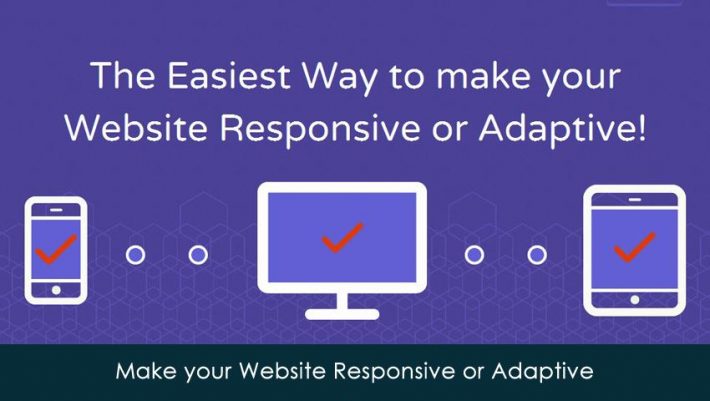
In this post you’ll come to know that how you can make your website Responsive or Adaptive with Restive.JS. In fact, it supports you to become an expert in Responsive or Adaptive web design just in minutes.
Restive.JS basically is a JQuery Plugin that facilitates you to add features to your website in an easy and fast way. It will provide a super natural capacity to your website to stay healthy using Advance Breakpoints Management, Orientation Management and Device Detection.
Restive.JS is very simple, fast and lightweight. You just need to have little knowledge of JavaScript. It would be joyful to use as it will work on any browser that support JavaScript. It would permit you to state breakpoint in pixel and resolution. Different styles can be combined. Device can be detected by Restive.JS and will be worked on iOS, Symbian, Windows, Android and Blackberry. Support has been implanted for over 50 Graphic display resolution (GDR).
Mentioned featured are only written down, there are many features that can be read on its website. In short, you can make your website responsive or adaptive with Restive.JS in an easy and fast way.